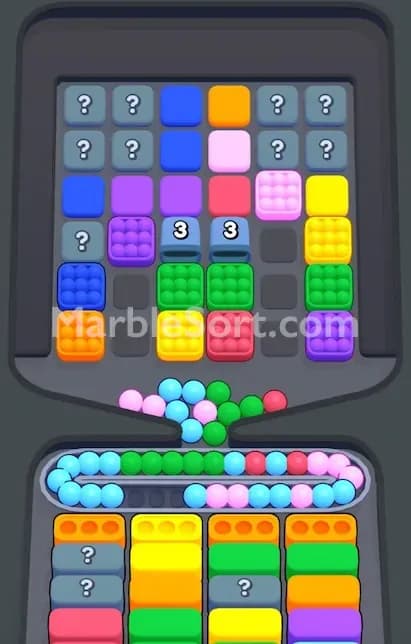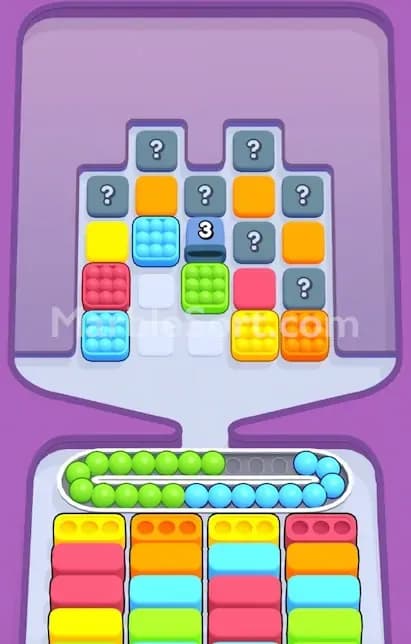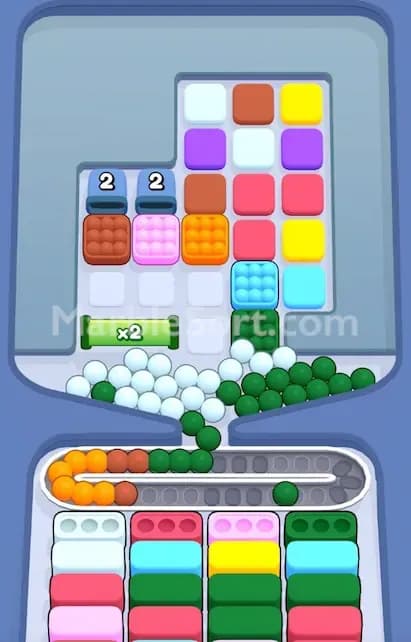

That big colored door is not asking you to clear random boxes. It wants one exact color. Miss that detail and the level gets ugly fast.
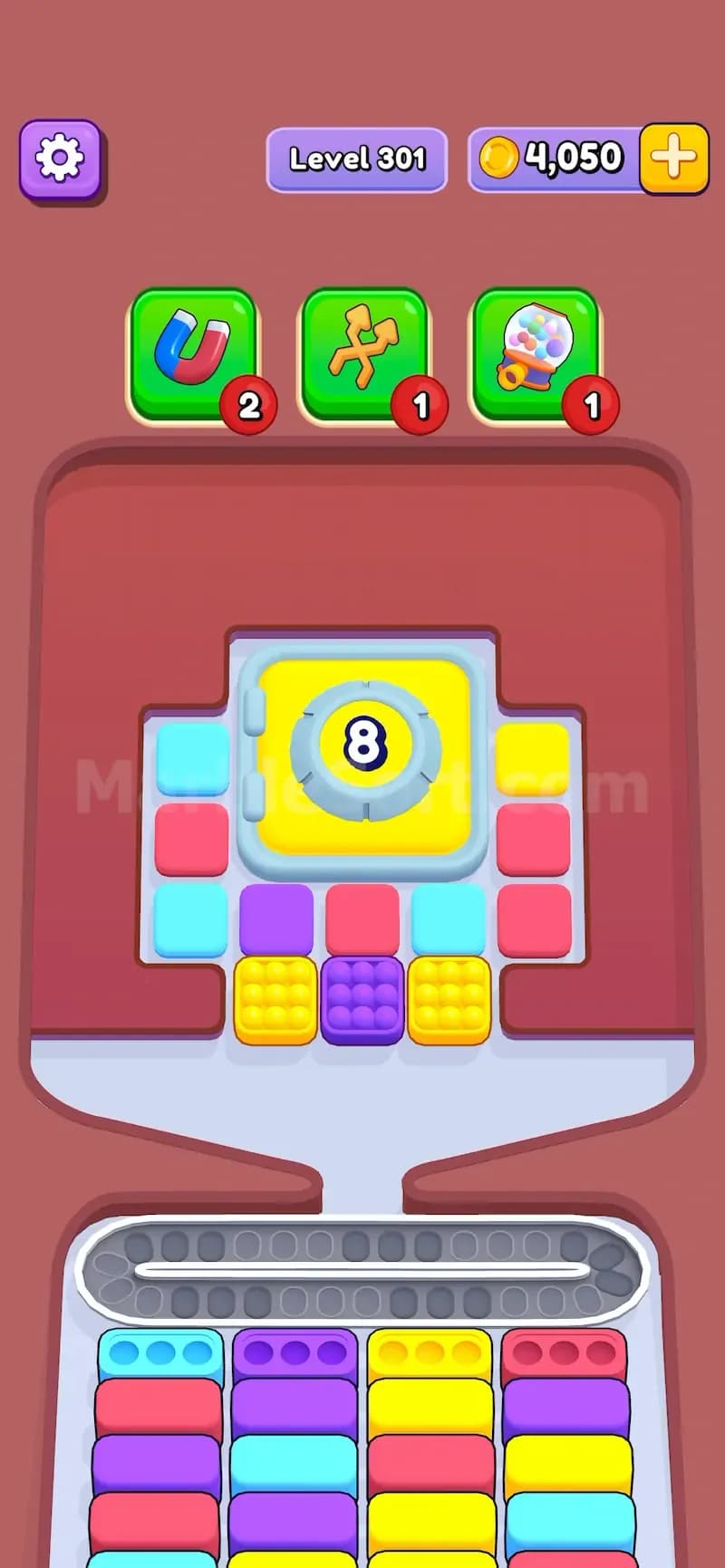
Color Panels are a stricter version of the normal Panels feature in Marble Sort. A normal Panel opens after you clear enough bottom boxes, no matter what color they are. Blue counts. Pink counts. Yellow counts. Any completed box pushes the number down.
Color Panels do not work like that.
A Color Panel only counts clears that match its own color. If the panel is yellow and the number says 8, you need to clear 8 yellow bottom boxes. Clearing a purple box will not help. Clearing a pink box will not help. Clearing a blue box will not help either. They may still be useful for opening space, but they do not lower the panel number.
That is the whole trick. Simple rule. Mean level design.
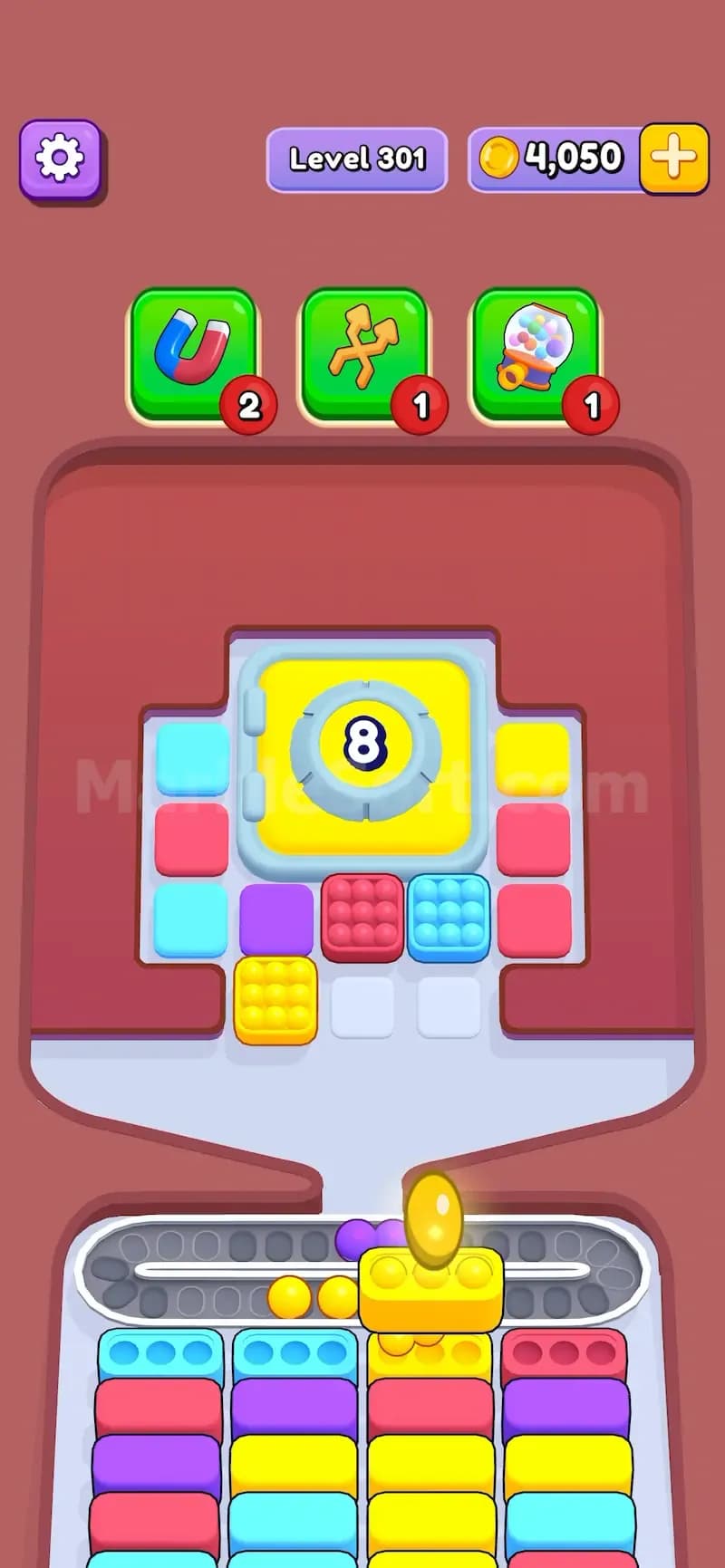
In the screenshot example, the panel is yellow and shows 8. That means the level wants 8 yellow clears before the panel opens. You can clear other colors all day, but the yellow number will stay stuck until yellow bottom boxes are completed.
This is where a lot of players lose turns. They see the number and think, “Okay, eight boxes.” Nope. Eight yellow boxes.
The difference matters because the two features change your plan in different ways.
Normal Panels:
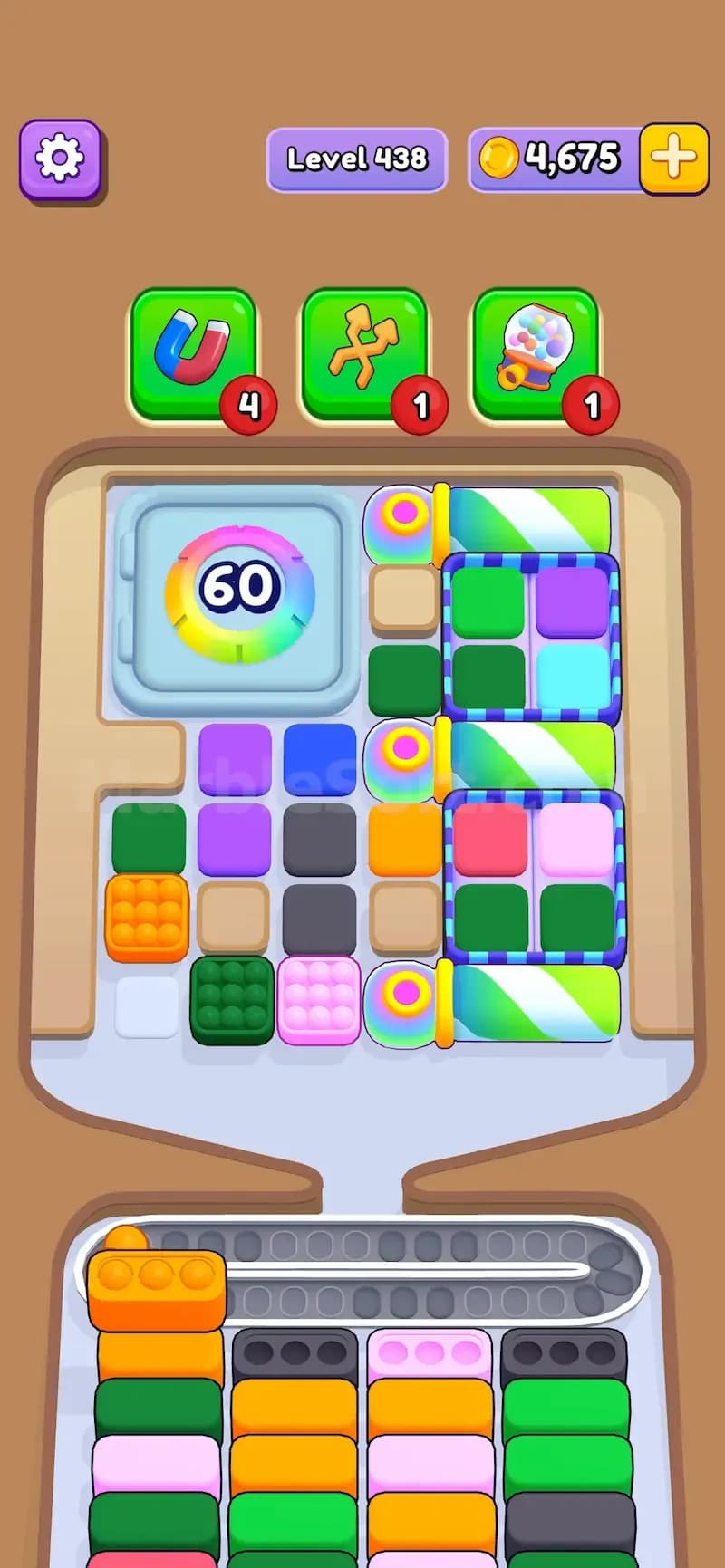
Color Panels:
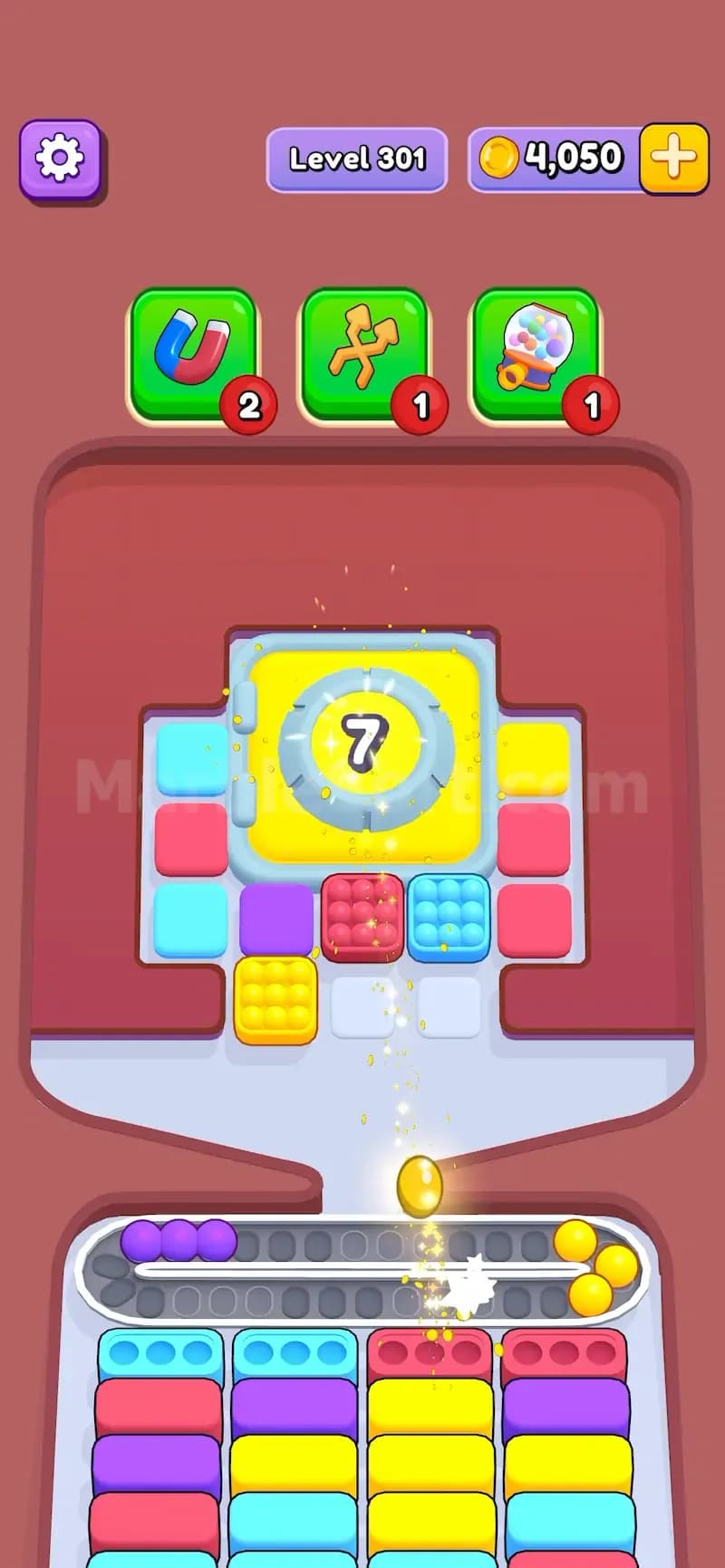
A normal Panel says, “Clear enough stuff and I’ll open.”
A Color Panel says, “Clear my color, or I’m not moving.”
That makes Color Panels much more demanding in hard levels. You are not just managing the conveyor. You are managing color priority.
The danger is not the panel itself. The danger is what it makes you do.
When a Color Panel asks for one color, you naturally want to drop that color as soon as possible. That can backfire. If you drop too many target-color marbles before the matching bottom boxes are ready, those marbles sit on the conveyor and clog the path.
Bad timing kills these levels.
Say the panel wants yellow. You see several yellow marble boxes at the top, so you tap them quickly. The problem? Maybe the bottom only has one yellow box open. Maybe the other yellow boxes are blocked under pink and cyan boxes. Now the conveyor is full of yellow marbles with nowhere to go. You wanted progress. You made a traffic jam.
That is the Color Panel trap.
The panel pushes you toward one color, but the game may hide the matching bottom boxes behind other colors. You still need to clear non-target colors sometimes. Not because they lower the panel number, but because they reveal or free the target-color boxes underneath.
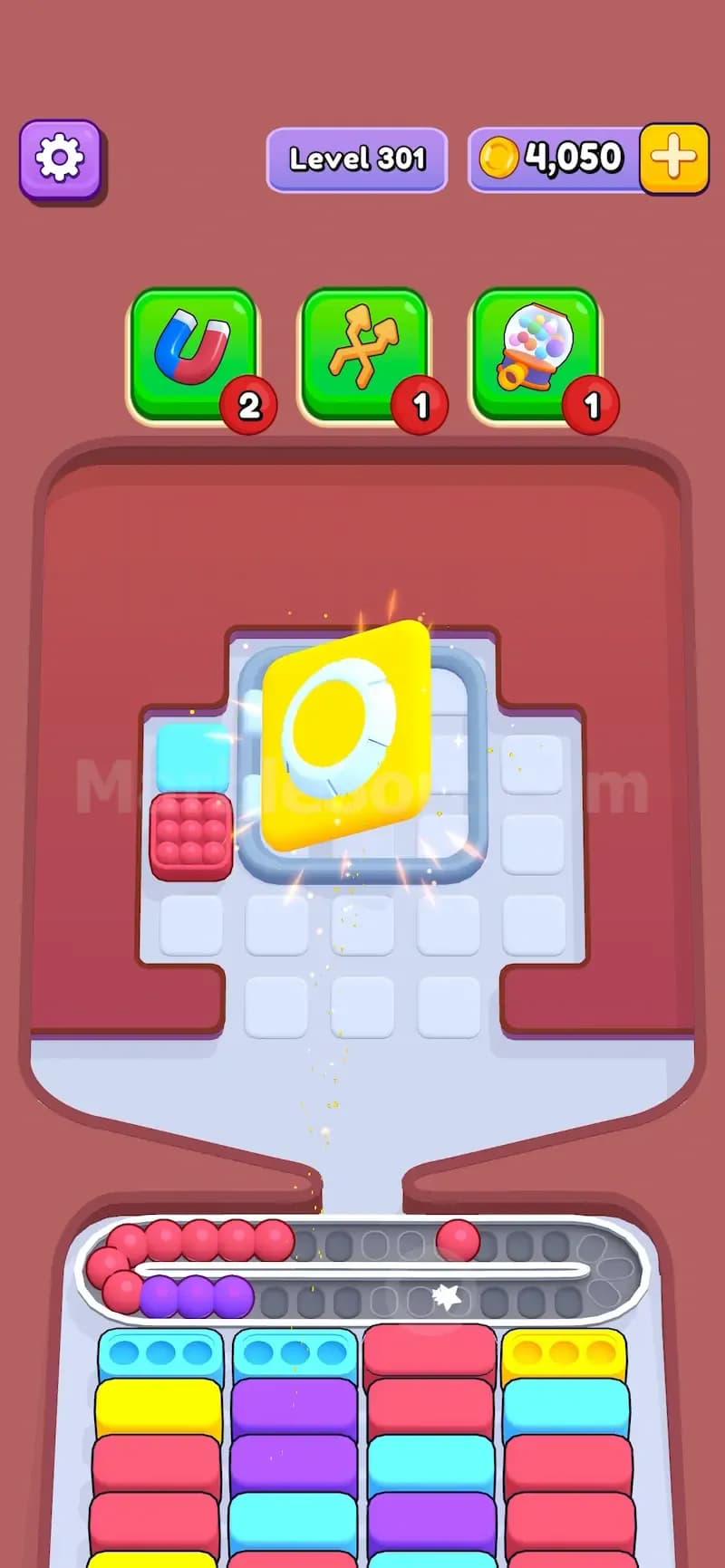
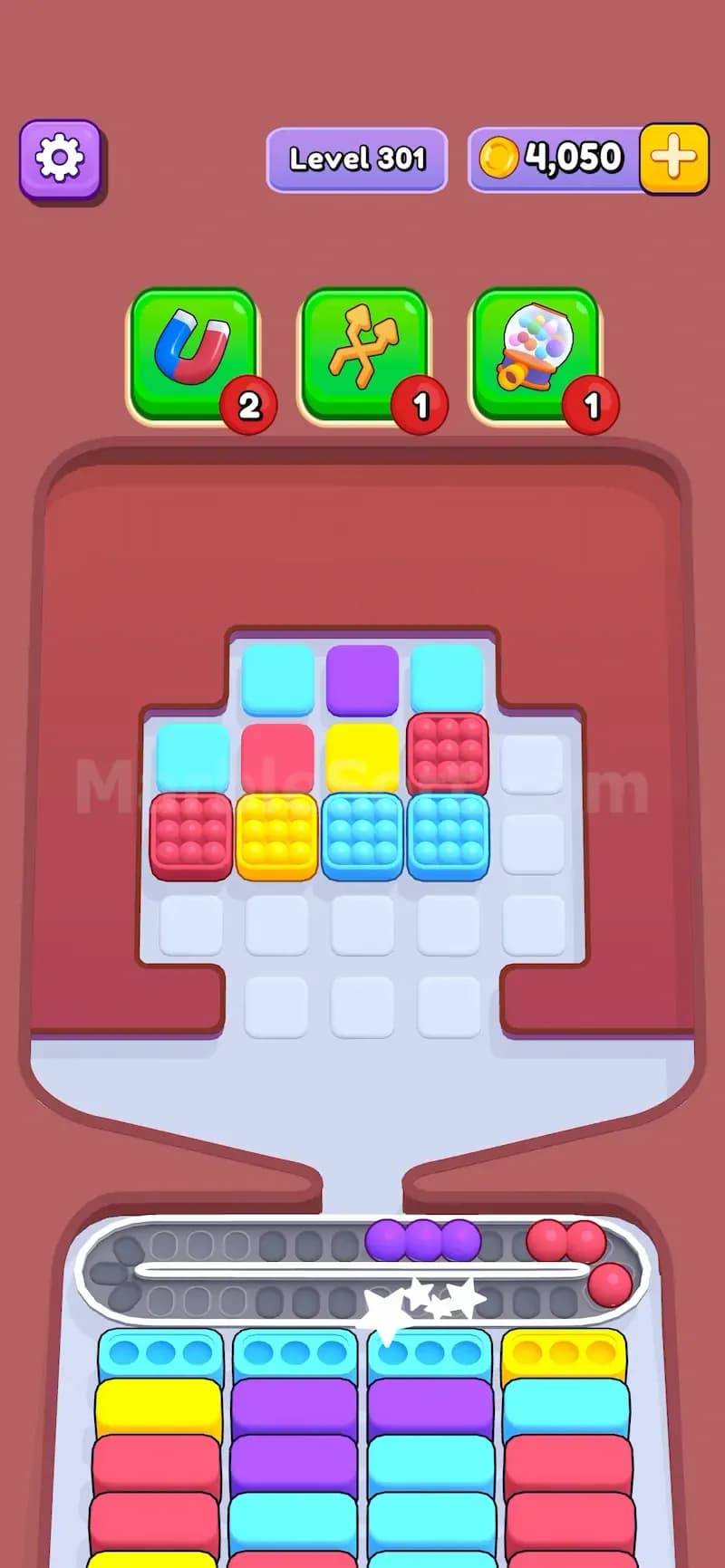
Read the panel before tapping anything. Check the color and number first. Do not start clearing on autopilot.
Find the target color at the bottom. If the panel wants yellow, check how many yellow bottom boxes are already open.
Do not flood the conveyor with the target color too early. Only drop target marbles when there is enough space to absorb them.
Clear blocking colors when they reveal target boxes. A pink clear may not lower a yellow panel, but it can expose the next yellow box.
Save useful top boxes. If a box has the panel color, do not waste it unless the bottom can take those marbles.
Watch the number after each target clear. If the number does not drop, you cleared the wrong color.
This feature rewards patient play. Not slow play. Patient play. There is a difference.
Yellow panels are easy to read because the color stands out, but they can still be rough when yellow boxes are buried.
Use this order:
Do not burn every yellow box at once. That is the rookie mistake. The panel needs yellow clears, yes, but the conveyor still has a limit. You need controlled yellow drops, not a yellow flood.
If the Color Panel asks for a color and you only see one matching bottom box, do not instantly dump every matching marble from the top. Clear the box sitting above or beside the next likely target-color slot first. Hard levels love hiding the needed color one layer down. You may need to clear a “useless” color just to expose the real route.
Dirty but effective.