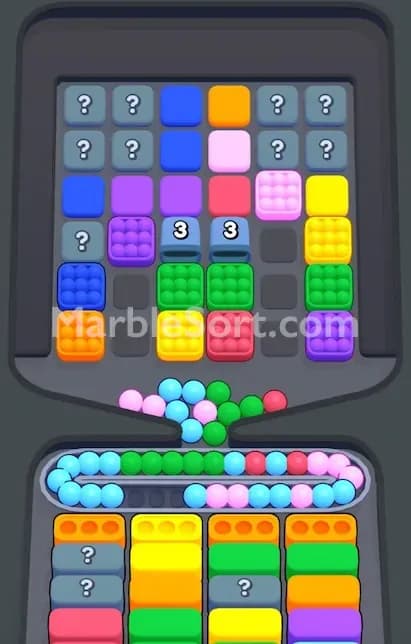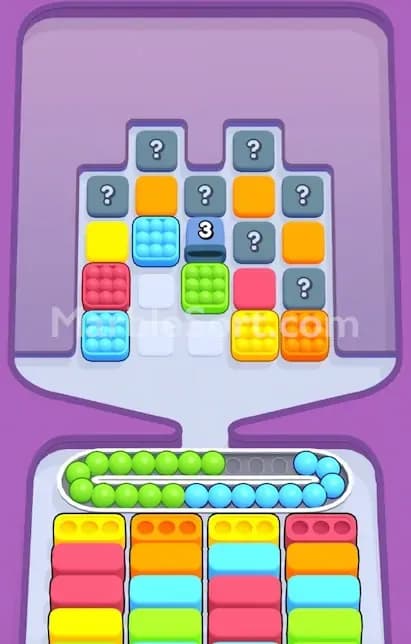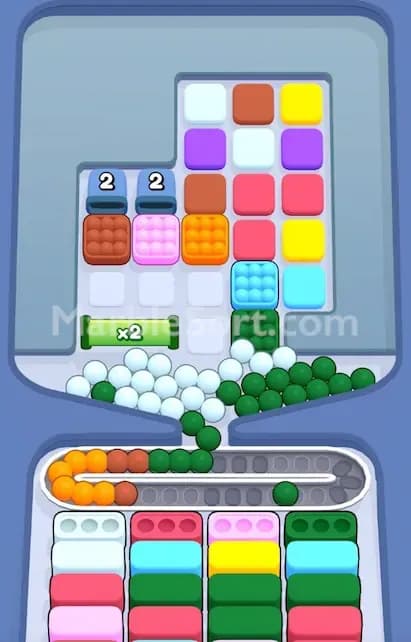

The Locked Gate is the game telling you, “Nope, not yet.” You can see the boxes behind it. You probably need them. But you cannot touch them until you grab the right Key Box first.
That is the whole trick.
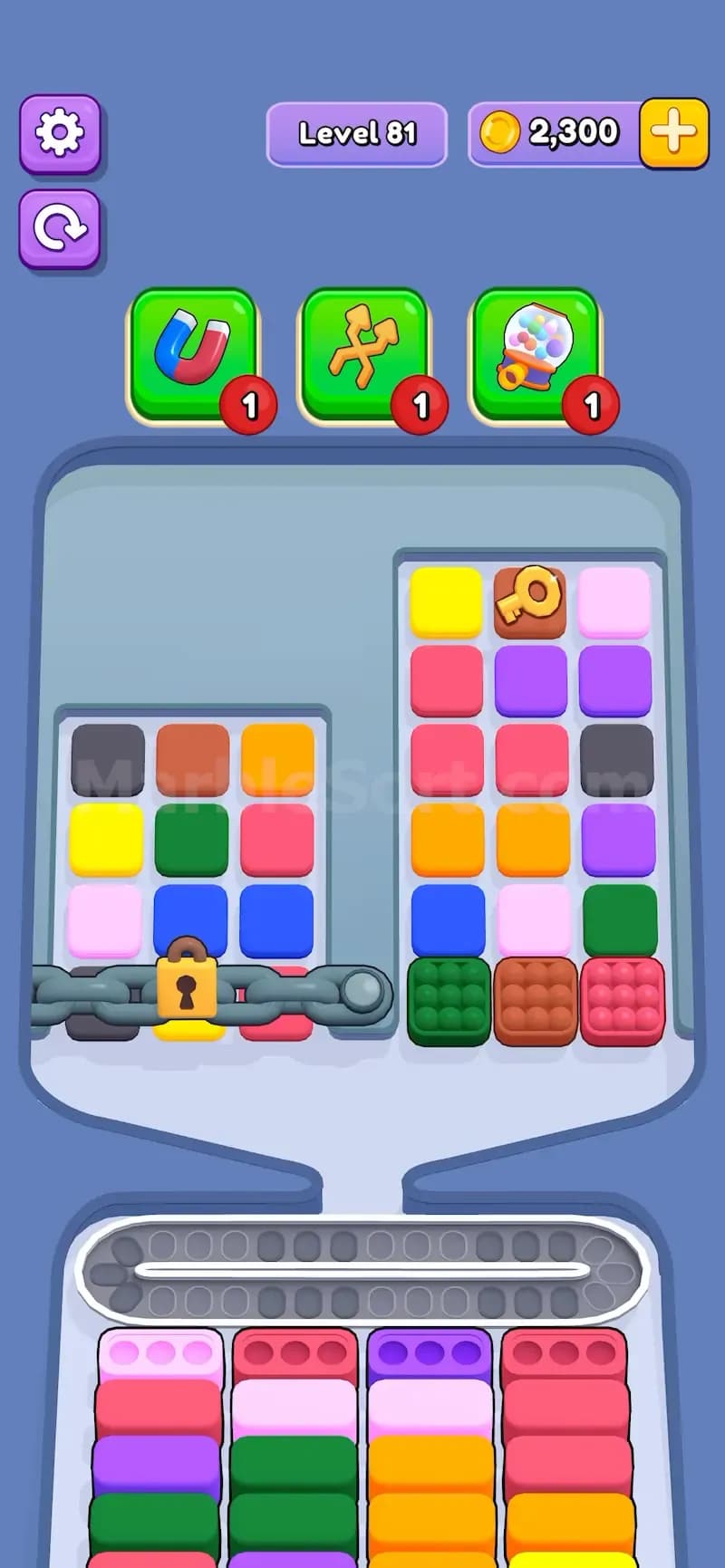
Locked Gate is a blocker feature in Marble Sort. It protects a group of boxes behind a chained gate, and every box inside that locked area is unavailable until the gate opens. The only way to open it is to drop the box with the matching Key on it. If the lock is yellow, you need the yellow key. If the lock is red, you need the red key. Some levels can even place more than one Locked Gate on the board, each with its own color key.
Sounds simple. It gets ugly fast.
The key is usually not sitting in a free spot. It may be buried near the top. It may be blocked by colors you cannot use yet. It may be surrounded by boxes that will flood the conveyor if you tap them too early. That is why Locked Gate levels are less about spotting the key and more about reaching it without wrecking the whole run.
A Locked Gate has two main parts:
The Gate
The Key Box
The key part matters: you do not collect the key by clearing the whole color at the bottom. You open the gate by dropping the actual box that has the Key icon. Once that box is released, the gate opens and the trapped boxes become playable.
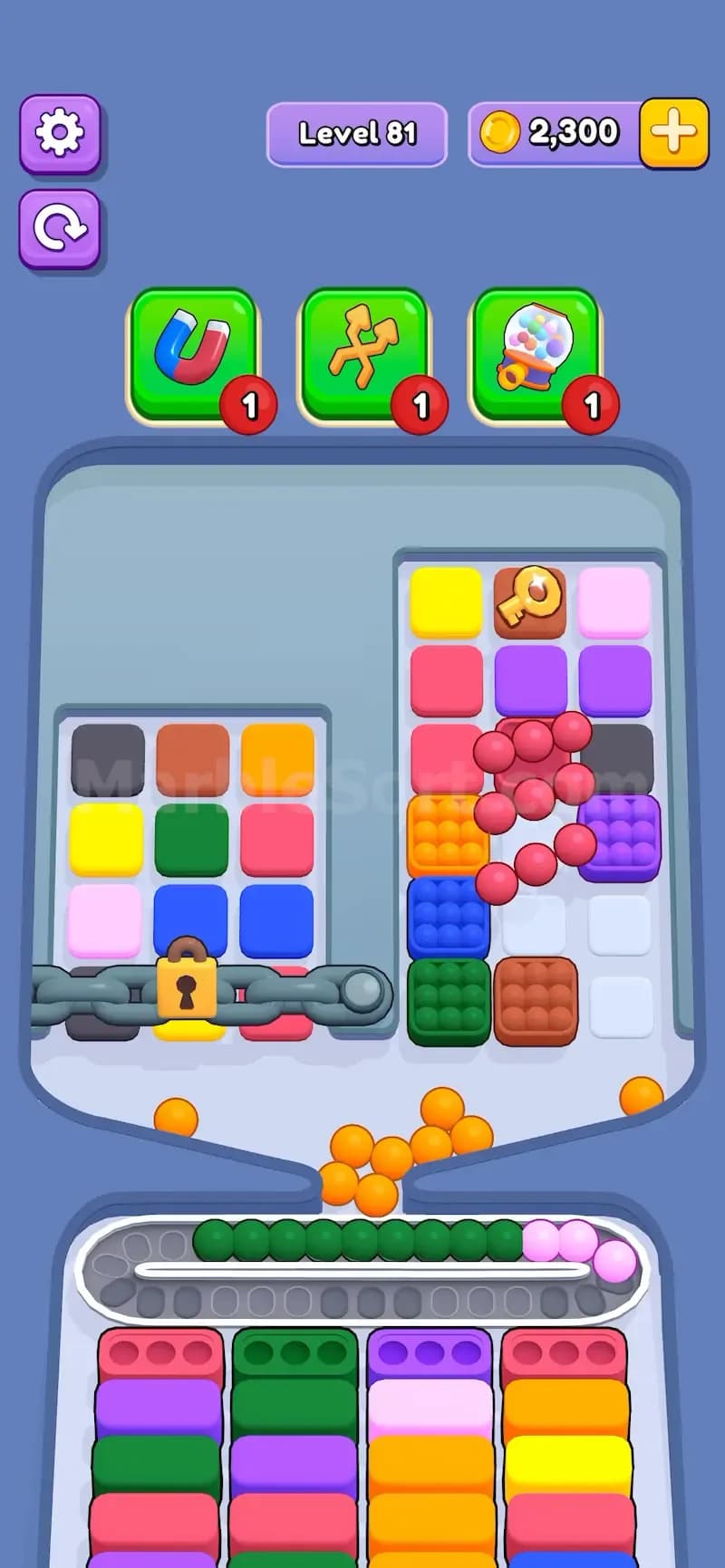
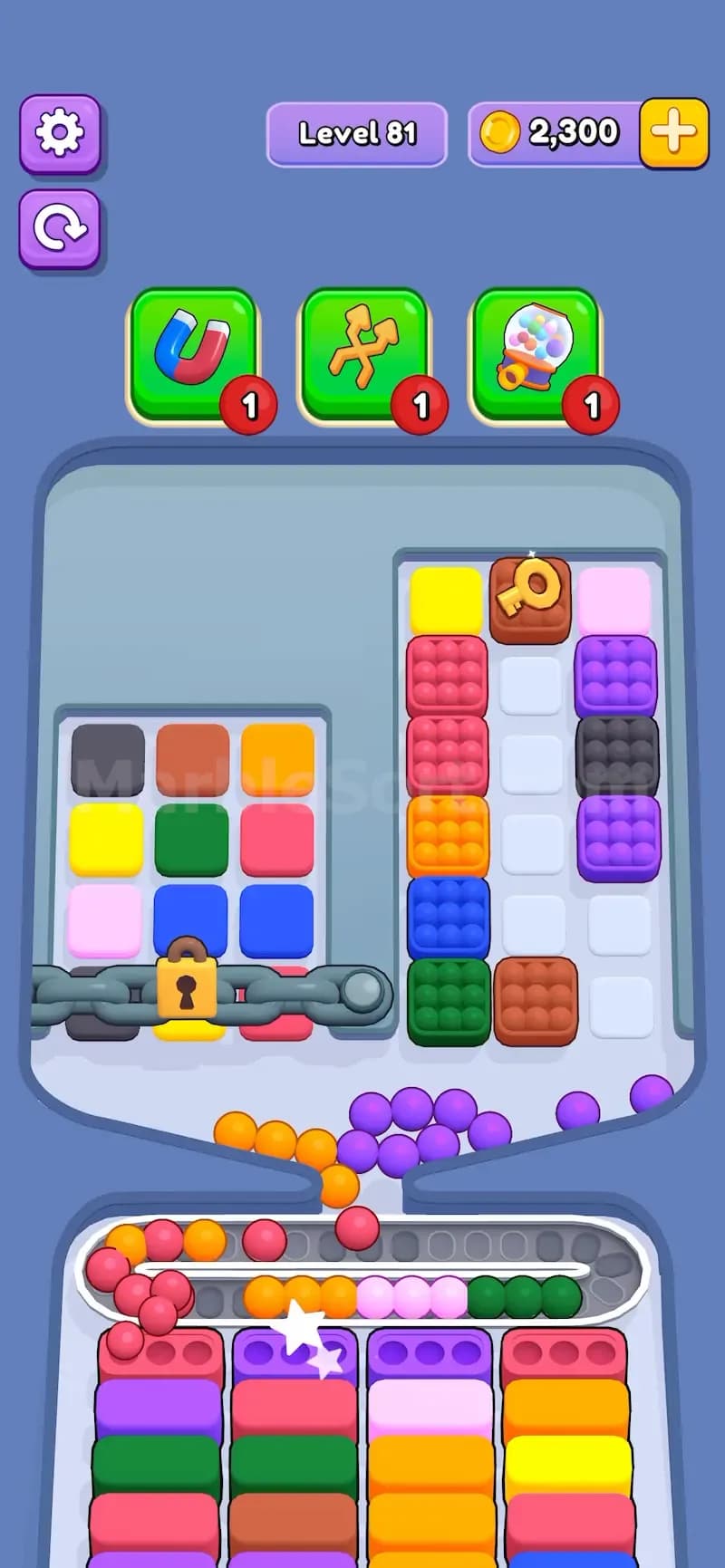
So the one-sentence rule is:
Drop the matching key box to open the locked gate.
That is the clean version. The real version is: reach the key box, keep the conveyor under control, open the gate, then use the newly freed boxes before the board gets messy again.
The Locked Gate blocks progress in a direct way. You cannot use part of the board until you complete a specific action somewhere else. That means the level is forcing you to work with fewer available boxes at the start.
That hurts for three reasons.
First, fewer usable boxes means fewer color options. If the bottom boxes need green, pink, and orange, but the good green supply is behind the gate, you are stuck working around the problem.
Second, the path to the Key Box usually costs space. You may need to drop two or three boxes just to reach it. If those boxes do not match the current bottom slots, their marbles keep riding the conveyor and start clogging the level.
Third, the locked area may contain the color you needed ten seconds ago. This is where players panic. They see a full conveyor, they see the gate still closed, and they start tapping anything near the key. Bad move. That is how you lose.
Locked Gate punishes impatient tapping. Hard.
Before tapping anything, scan the board for three things:
Find the lock color. Check the color of the lock and locate the matching Key Box. If there are multiple gates, match each key to its own gate.
Check the key path. Look at what blocks the Key Box. Are there two boxes below it? Is it at the top? Is it hidden behind a color you cannot use yet?
Check the bottom boxes. The bottom boxes decide what is safe to drop. A color is safe when it can immediately fill slots or finish a box. A color is risky when it has nowhere useful to go.
Do this scan fast. You do not need a huge plan. You just need to know which boxes are safe, which boxes are junk, and which boxes are part of the key path.
The best strategy is not “rush the key.” That sounds right, but it fails in harder levels.
The better strategy is: clear safe colors while opening a path to the key.
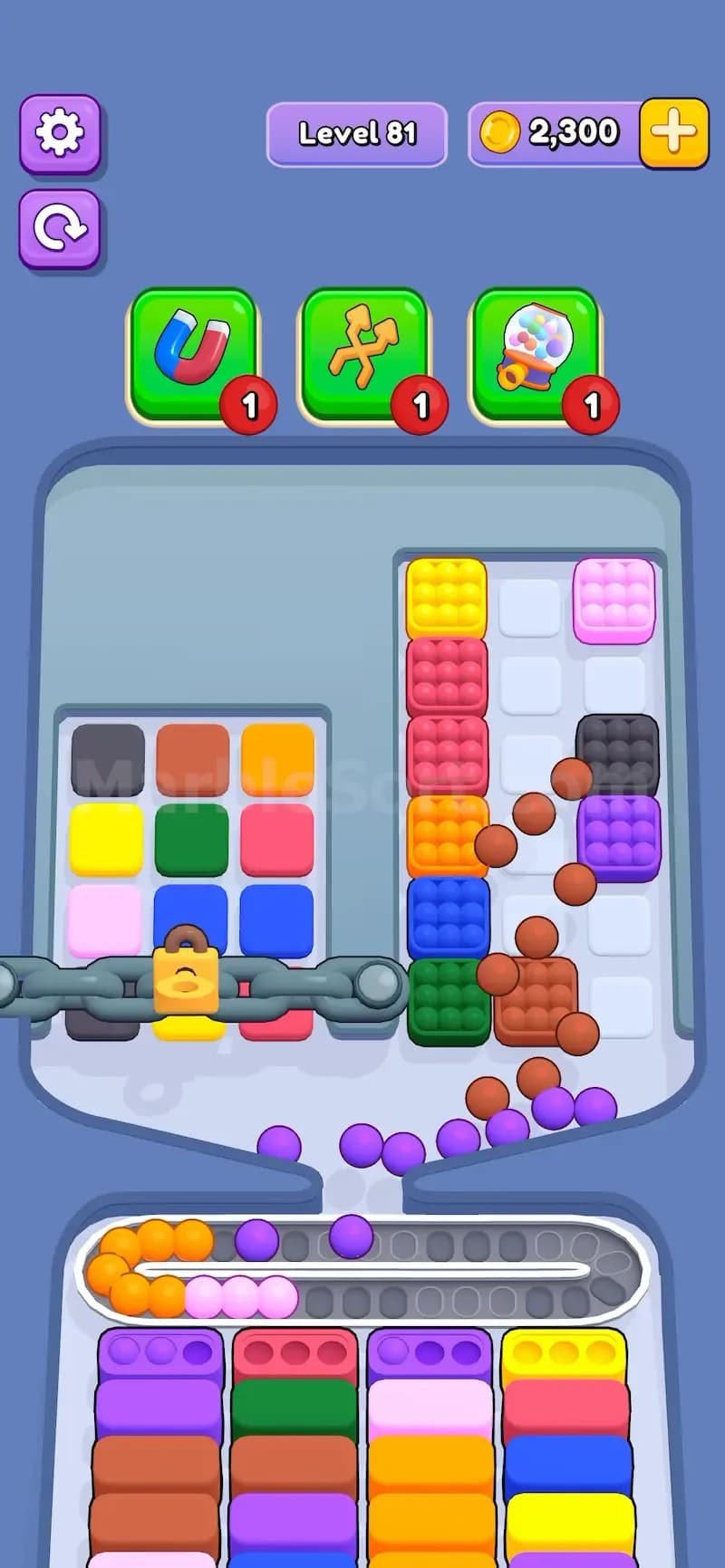
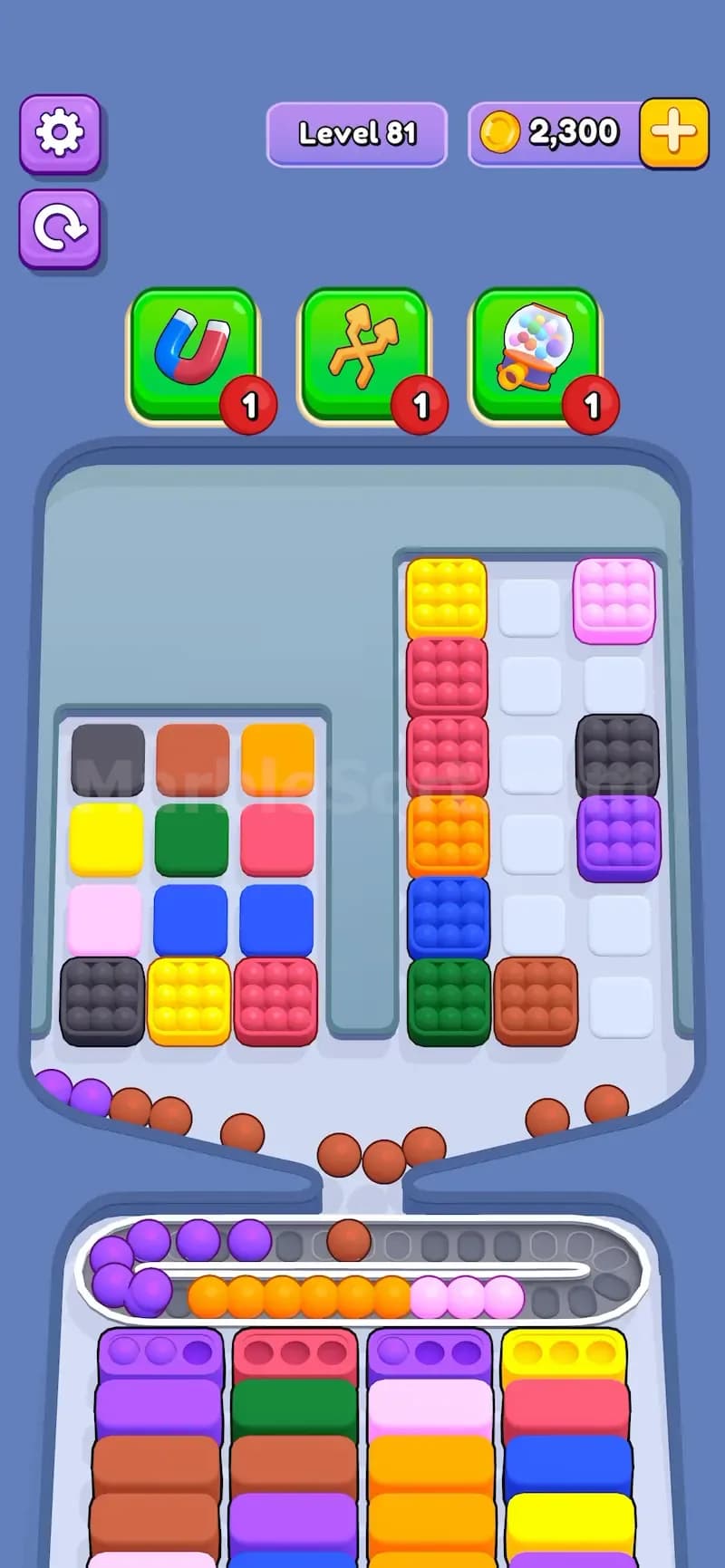
Use this order:
Start with colors that match the bottom boxes. If a visible box can feed a bottom slot right away, drop it first. This clears space and gives the conveyor room.
Work toward the Key Box from the safest side. Do not force the shortest path if it dumps useless colors. A slightly longer path is better if those colors actually fit the bottom boxes.
Avoid dropping dead colors. A dead color is a color with no current bottom box and no obvious upcoming use. These marbles just ride around and steal conveyor space.
Open the Locked Gate when the conveyor is stable. Dropping the Key Box while the conveyor is nearly full is risky. Open the gate when you still have room to react.
Use the newly opened boxes right away. Once the gate opens, check what became available. Many levels hide needed colors behind the gate, so the next move is often inside the newly opened area.
This makes Locked Gate much easier. You are not just chasing the key. You are building a clean route to it.
The biggest mistake is tapping straight toward the Key Box without checking the bottom boxes. That works in easy levels. In hard levels, it fills the conveyor with colors that cannot be sorted yet.
Another mistake is ignoring the locked area after it opens. Players get so focused on reaching the key that they keep tapping the old side of the board. Don’t. The whole point of opening the gate is to use the trapped boxes.
A third mistake is treating all keys like they are urgent. Sometimes the key opens a gate full of useful colors. Sometimes it opens a gate full of boxes you cannot use yet. If the current bottom boxes are already easy to fill, clear them first. The gate can wait for a few moves.
Also watch out for levels with two Locked Gates. A yellow key may open one section, while a red key opens another. If you chase the wrong key first, you can open a useless area and still be blocked from the color you actually need.
In very hard Marble Sort levels, the Key Box is often placed in the worst possible spot. It might sit at the top of a tall stack, which means several boxes need to drop before you can reach it. The game may also place it behind colors that are not currently needed at the bottom.
That creates a resource management problem.
Every drop has a cost. A box with 9 marbles can fill three matching bottom slots, which is great when the color is needed. But if that color has nowhere to go, those 9 marbles become conveyor trash. Drop too many like that and the belt jams.
This is why Locked Gate works so well as a hard-level feature. It does not just block your hand. It blocks your plan. You have to decide when to chase the key, when to clear safe colors, and when to leave a tempting box alone.
If the Key Box is buried high up, do not dig straight to it unless the path colors match the bottom boxes. Instead, clear one nearby safe box first, then move toward the key.
That tiny delay matters. It gives the conveyor space, removes a color from the board, and often causes the next bottom box to appear. Sometimes that new bottom box matches one of the annoying colors blocking the key. Free value. Take it.
Also, when the gate opens, pause for half a second before tapping again. Not a long pause. Just enough to see what boxes are now available. The newly opened area may contain the exact color needed to clear the conveyor, and tapping too fast can bury your best move under more marbles.
Use this checklist when a level starts:
That is the winning rhythm.