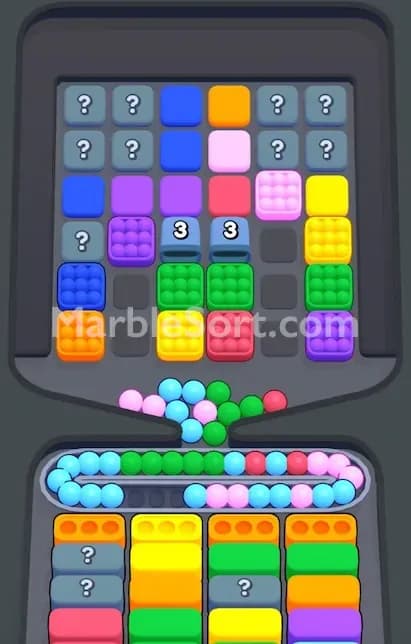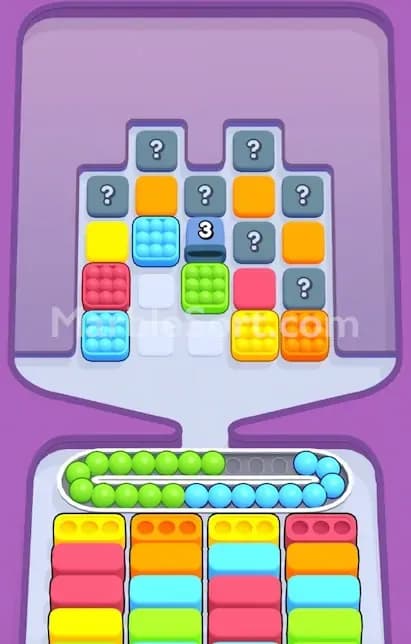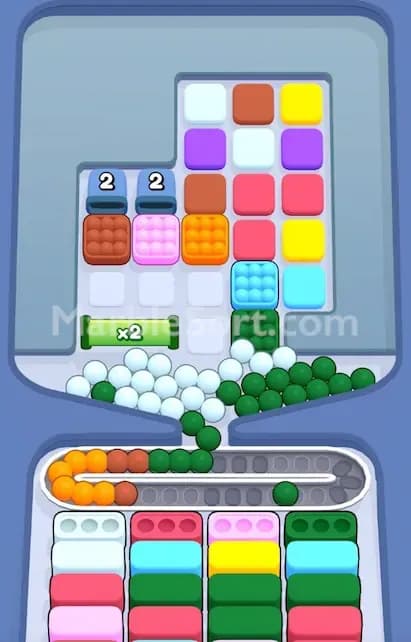

The Pillar blocks your path, eats your moves, and hides boxes you probably need right now.
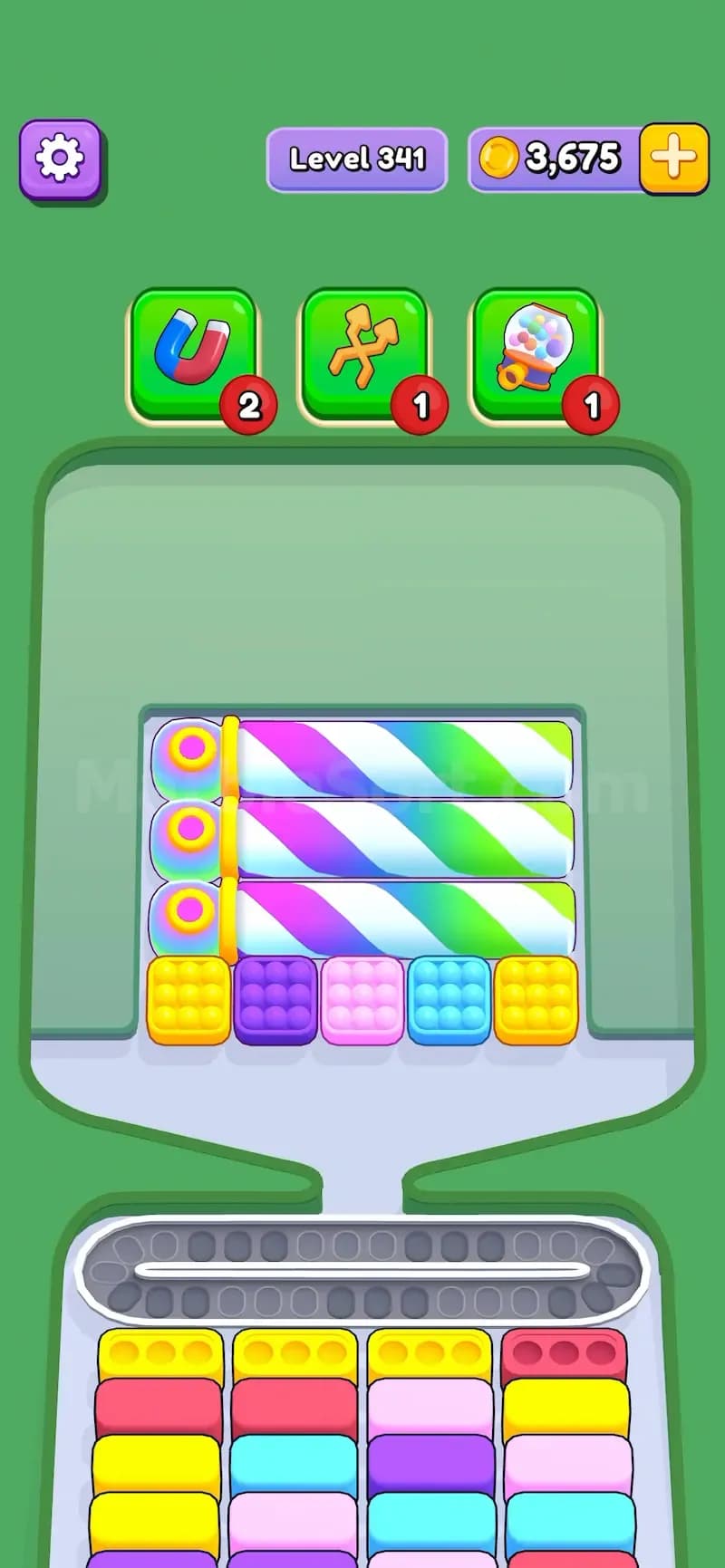
That is why it feels annoying even though it looks soft and harmless. In Marble Sort, a Pillar is a rainbow-colored blocker that can be placed either horizontally or vertically across the level board. It usually sits between marble boxes and stops you from reaching the boxes behind it. To clear it, you do not tap the Pillar itself. You have to drop boxes that are touching it.
Simple rule. Tricky timing.
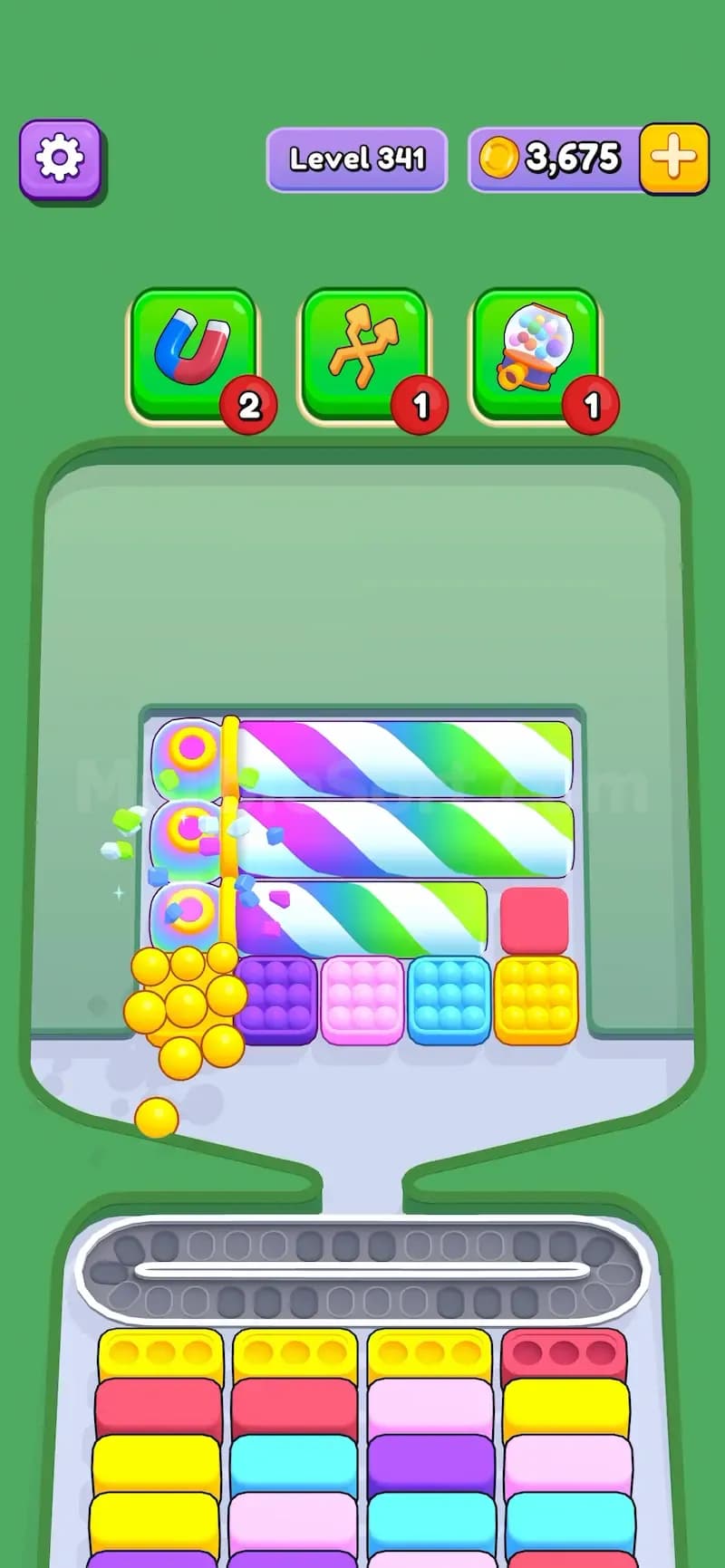
When you drop a box beside the Pillar, the Pillar reacts. It rotates, shrinks, and releases a new box from the part that shortened. Keep doing that until the Pillar becomes only 2 boxes long. At that final stage, dropping another nearby box makes it disappear completely.
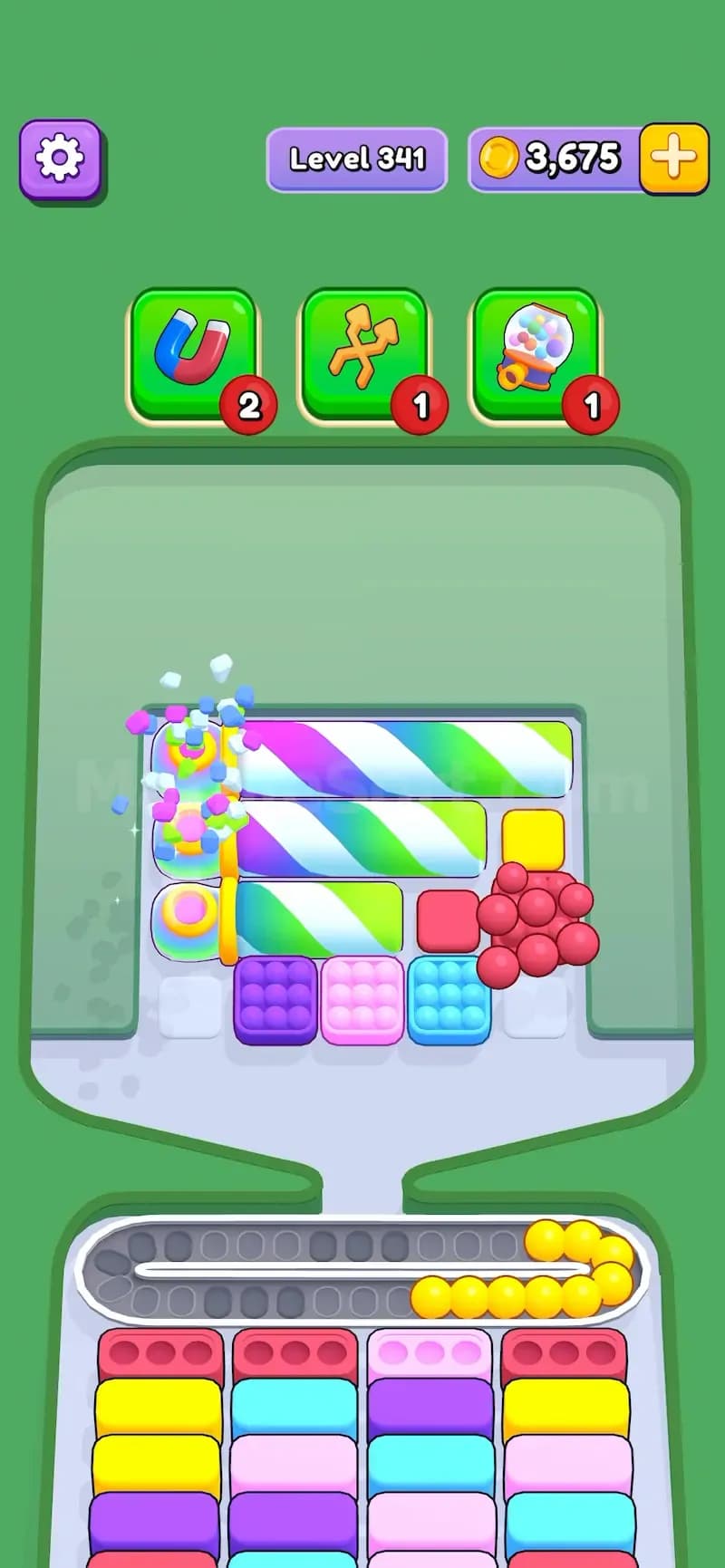
That means the Pillar is not a one-hit blocker. It is a step-by-step blocker. Every hit changes the board.
Pillar is a rainbow blocker feature in Marble Sort. It can appear as a long rainbow bar across several spaces, and it can face different directions depending on the level.
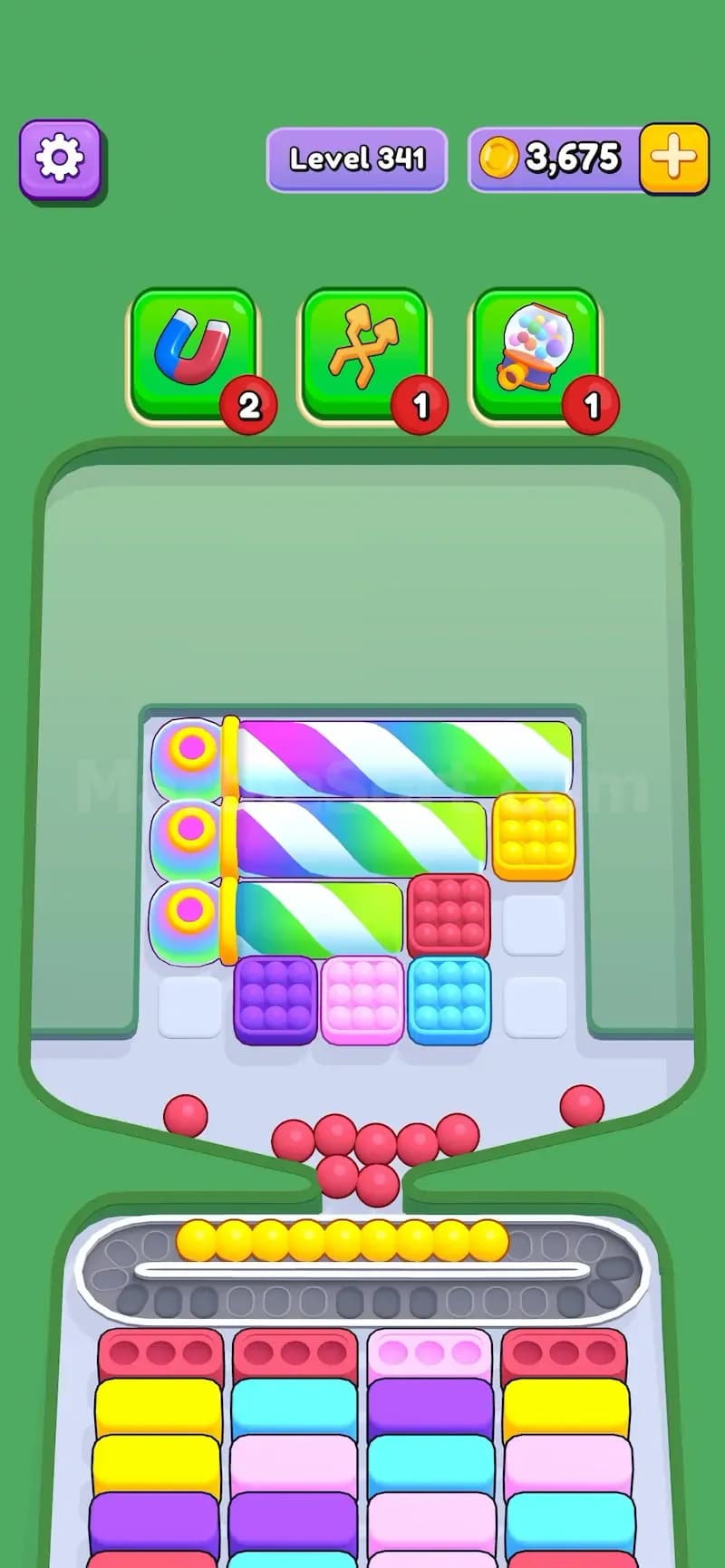
You may see it:
The main job of the Pillar is to slow down your board opening. It blocks spaces, hides boxes, and forces you to spend several drops before you can fully reach the area it protects.
This matters because Marble Sort is not only about matching colors. You also have to control how many marbles are sitting on the conveyor. Drop too many bad colors, and the conveyor jams. The Pillar pushes you into that danger zone because it asks you to drop nearby boxes even when those boxes are not the colors you want.
Bad timing hurts.
The Pillar works through nearby box drops. Any box touching the Pillar can trigger it.
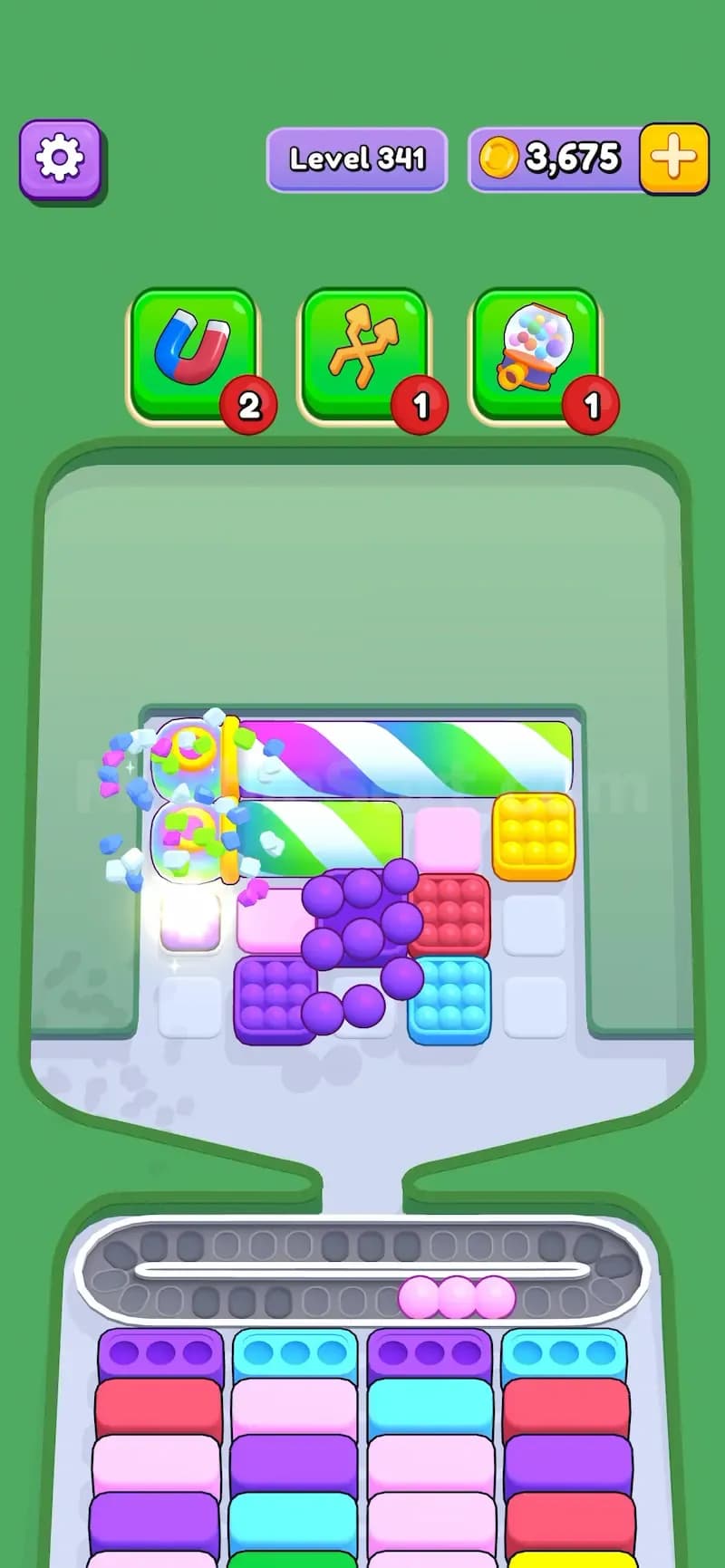
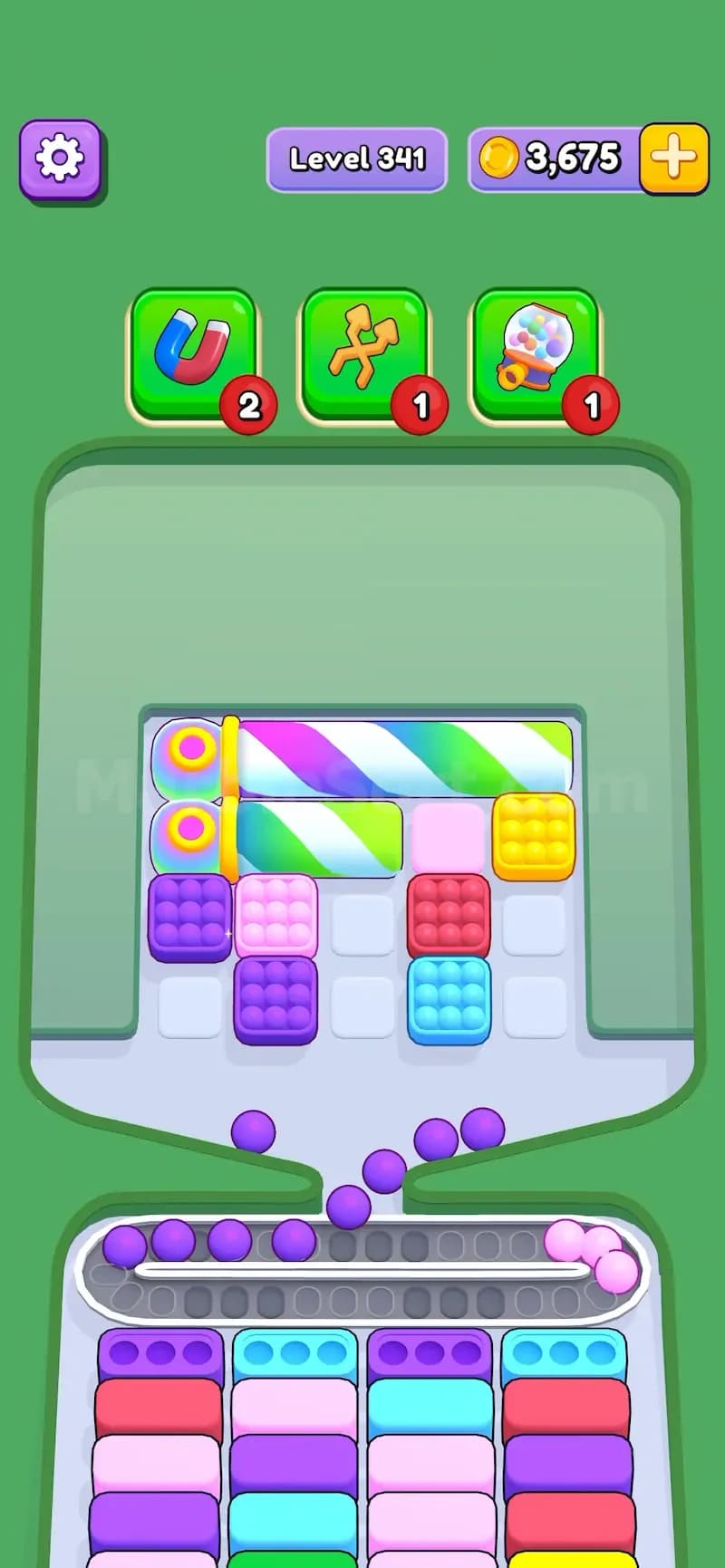
Here is the basic flow:
Find a box touching the Pillar Look for any box directly beside the Pillar. It can be above, below, left, or right of the rainbow body.
Drop that nearby box When the touching box drops, the Pillar activates.
The Pillar rotates and shrinks Its body gets shorter. This opens a little more space on the board.
A new box is released The shortened part of the Pillar releases a new marble box. This box may be useful, useless, or dangerous depending on the bottom boxes you currently have.
Repeat the process Long Pillars need several nearby drops. Keep hitting it through boxes that touch it.
Remove the final short Pillar When the Pillar is only 2 boxes long, one more nearby drop removes it completely.
That final part is important. Do not assume the Pillar is gone just because it looks short. If it still takes up two spaces, it can still block the board.
The Pillar is a blocker because it stops normal access to boxes. You cannot always reach the box you want. You may have to work around the Pillar, shrink it, and reveal new boxes one by one.
That makes the level slower.
A normal box gives you marbles immediately. A Pillar asks for extra setup first. You spend a move to hit the Pillar, then the Pillar releases another box, then you still need to decide whether that new box is safe to drop. On easy levels, this feels fine. On hard levels, it becomes a real problem because the colors you need most may be hidden behind the last section of the Pillar.
The game loves doing this.
You may clear half the board, run low on space, and then realize the red or yellow box you needed was sitting behind the final two-space Pillar the whole time. That is how Pillar levels trap impatient players.
The best way to handle Pillar is to treat it like a controlled opening, not a random blocker. Do not hit every nearby box just because it is available.
Use this plan:
Check what the Pillar is blocking Before dropping anything, look at the spaces behind the Pillar. If it blocks a large section of the board, make it a priority.
Match Pillar hits with useful colors If a touching box has marbles that can fill bottom boxes right now, drop it. That gives you progress and shrinks the Pillar at the same time.
Avoid dead colors Do not hit the Pillar with a color that has no open bottom box unless you have conveyor space. A bad hit can leave marbles circling with nowhere to go.
Clear one Pillar fully when possible Several half-shrunk Pillars still block the board. One cleared Pillar gives you real space.
Prepare before the final hit When the Pillar reaches 2 boxes long, pause for a second. Clear bottom boxes first if you can. The final hit may release a box that dumps important marbles, and you want room ready.
If two Pillars are close together, do not always clear the shorter one first. Sometimes the better play is to shrink the longer Pillar until it releases a box near the second Pillar. That new box can become your next trigger, letting you cut through both blockers with fewer wasted drops.
This trick is especially useful when the board gives you awkward colors near the start. Use the bad color as the first hit only if the conveyor has room, then use the released box to continue the chain. It feels risky, but it saves moves when the level is packed.